
Questions about a digital shop window display
A Will Impress digital shop window display costs €39 per screen per month, on an annual contract. An installation partner from your region mounts it, and we do the rest. Below, you can read everything about the price, the installation, what is on the screen, the support and the integration with your agency software.
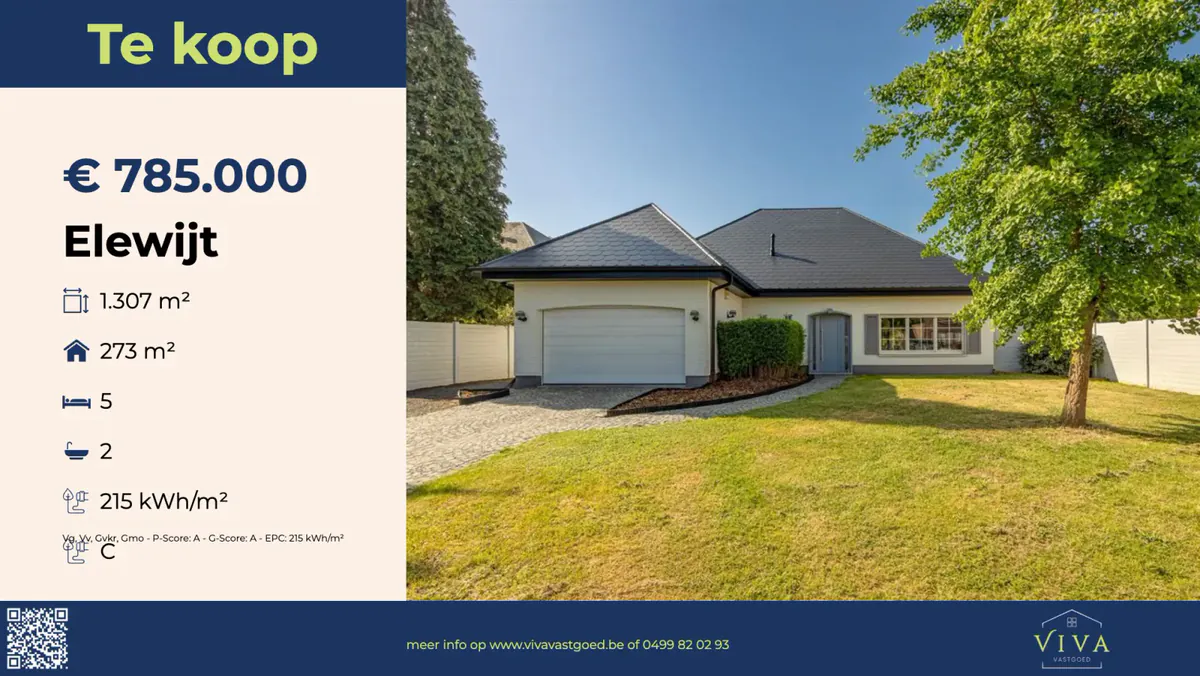
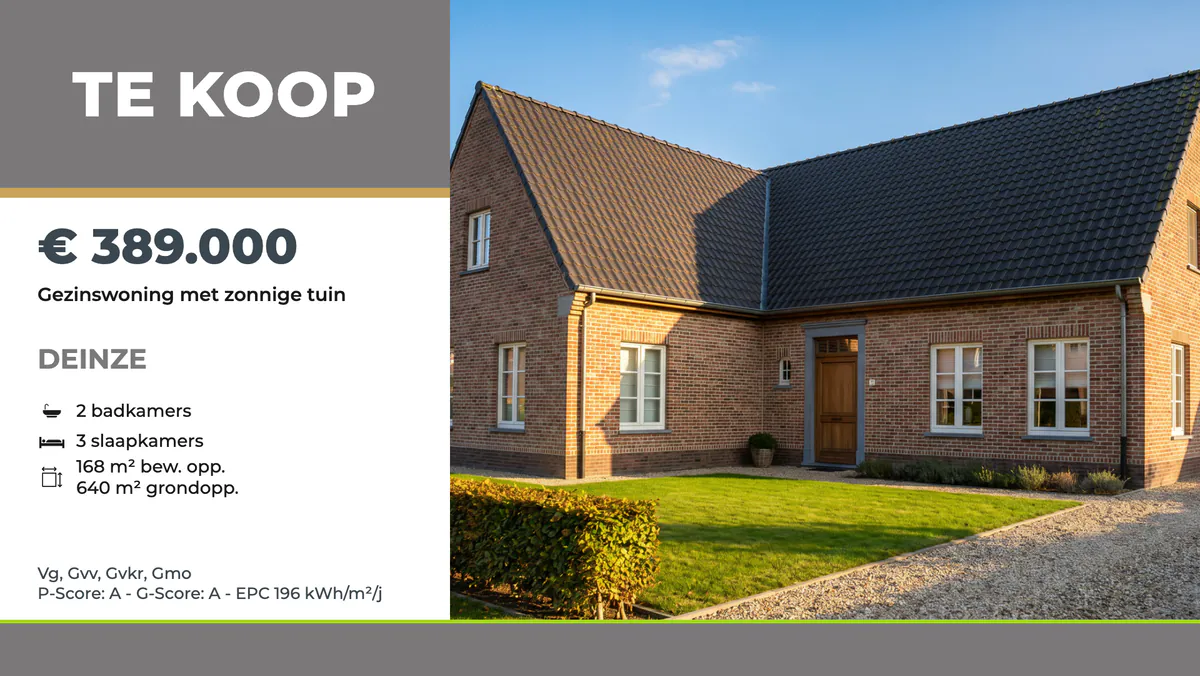
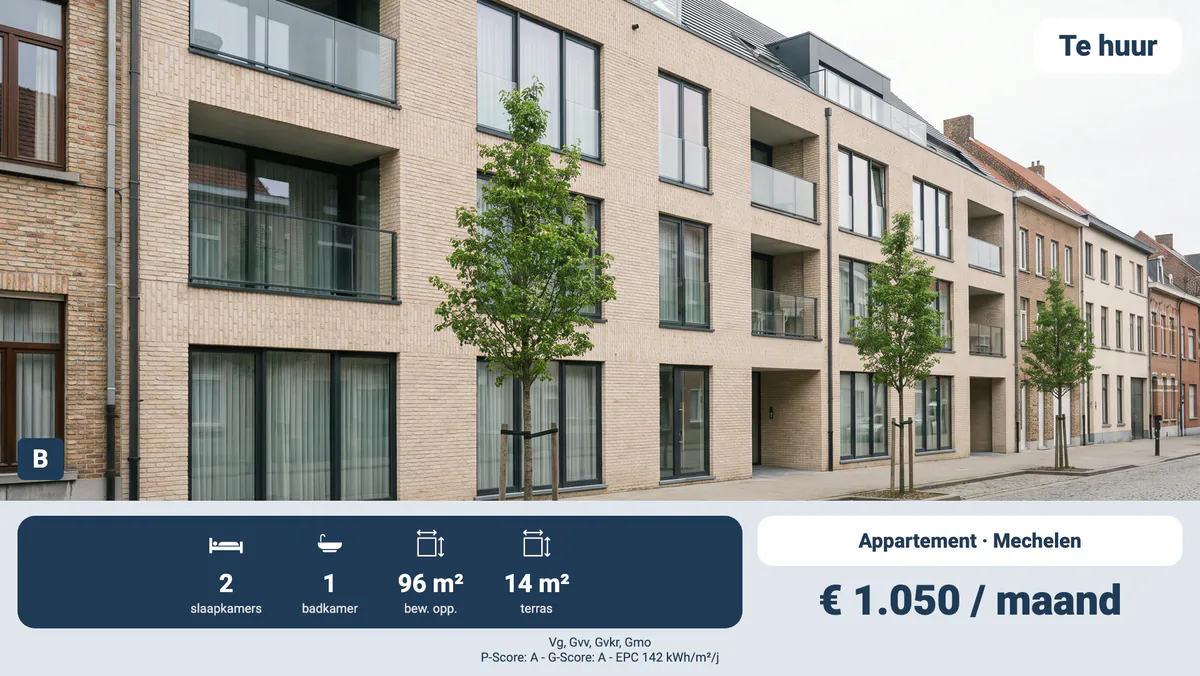
Price
What does Will Impress cost?
€39 per screen per month, on an annual contract. You pay for the screen and its installation once. You receive a quote for them from an installation partner in your region.
What is included in the price per screen?
The integration with your agency software, the design in your house style, an unlimited number of properties, the updates, remote monitoring and personal support. Setting up the integration and the design is included too. All of that costs €39 per screen per month, on an annual contract.
What do I pay once?
The screen and its installation, and nothing else. An installation partner from your region looks at your shop window or business and prepares a quote for it. The integration and the design are included in the €39 per month.
Do I pay more if I show more properties?
No. You pay per screen, not per property. An unlimited number of properties is included in the €39 per screen per month.
Can I rent or lease a screen?
Will Impress does not rent out or lease screens. You buy the screen once, together with its installation, on the quote from your installation partner. You pay Will Impress €39 per screen per month, on an annual contract. If you would rather rent or lease the screen, ask your installation partner whether that is possible when you request your proposal. You will find all prices on the Pricing page.
Installation
Who installs the screen?
An installation partner from your region. The partner chooses the screen that suits your shop window or business and mounts it.
How soon does someone visit me after my request?
We will contact you within two working days. After that, we visit you with an installation partner from your region. The partner looks at your shop window or business and recommends a screen that suits it.
Does the screen hang in portrait or landscape?
Both are possible. A landscape screen suits a wide window, a portrait screen a narrow window or a spot next to the door. Your partner advises on the orientation, and we make the design for it.
LED or LCD: which screen should I choose?
For a shop, café, practice or office, an LCD screen is usually the right choice, with extra brightness if the screen hangs in daylight. LED panels are for large walls and for screens outdoors. Your installation partner advises on what suits your space.
How long does a professional screen last?
A professional screen is made to stay on all day. How long it lasts depends on the device and on the number of hours a day it is on. Your installation partner gives you the specifications of the screen the partner recommends.
Do I need a 4K screen?
Usually not. 4K gives a sharper image close up, but at a normal viewing distance the difference is small. Your installation partner advises on the resolution, together with the size of the screen and the distance from which your customers look at it.
Content
Do I have to do anything myself?
No. We install the screen with a local partner, set everything up and monitor it. An estate agency sees its listings appear by themselves. A shop, business or practice changes its menu or offers in a few clicks, or leaves that to us.
Will the screen use our house style?
Yes. We make the design with your logo and your colours. There are several designs, and we choose one together with you.
How soon is a new property on the screen?
Within a few hours, without you doing anything. You enter the property in your agency software as always. A new price is also on the screen the same day.
What happens to a sold property on the screen?
You choose that at the start. The property disappears from the screen, or it stays for a while with a "sold" or "let" banner. The screen follows your agency software within a few hours.
Who updates the menu or the offers on our screen?
You do, in a few clicks. If you would rather leave that to us, we do it as a paid extra, with a price on request. At the start, we set up the design in your house style and everything that can run by itself.
How often do I update what is on the screen?
An estate agency does not need to do this for its properties: they come from the agency software by themselves. A shop, café or practice adjusts the screen whenever something changes, such as a new range, a season, an offer or a menu. A screen can show several designs one after another. You make a change in a few clicks, in your own account, or Will Impress does it for you for an extra fee, price on request.
Can the screen show the weather and the news?
Yes, the time and today's weather can be on the screen, as in the waiting room of a practice. Your own news is possible too, such as practice news, an event or a public holiday. News from an outside source is not included. If you would like it anyway, ask about it in your proposal request.
Support
What if our screen does not work?
Then we fix it, without discussion and without an extra invoice. We monitor every screen remotely.
What if the internet goes down at our business?
Then the screen keeps showing what it last had, which for an estate agency means the latest properties. As soon as the internet is back, the screen updates itself again.
Do I get a dedicated contact?
Yes. You receive personal support from someone at Will Impress who knows your screen. If something on the screen itself needs replacing, your installation partner visits you.
Which software controls the screen?
The screen runs on Will Impress's software. You do not install anything yourself: Will Impress sets up the screen, keeps it running and monitors it remotely. Anything you want to change yourself, you do in a few clicks, in your own account. For an estate agency, the properties come from the agency software, through an integration.
Integrations
Which agency software does Will Impress work with?
In Belgium, with Whise, Omnicasa, Zabun and Skarabee. In the Netherlands, with Realworks, Move, Kolibri, Pararius Office, Pyber and Eyemove. Do you work with a different package? Then request a proposal anyway, and we will build the integration for your agency.
What do I need to do to connect my agency software?
You give us access once, in or through your agency software. We take care of the rest. After that, you carry on working as always, and your listings appear on the screen by themselves.
Will my screen keep working if I change agency software?
Yes. We connect the screen to your new agency software. The screen and the design stay as they are.
Is your question not listed?
Every shop window and every business is different, so not every question is on this page. In that case, ask your question through Request a proposal. We will contact you within two working days, and we visit you with an installation partner from your region.
If you would like to read more first, you will find further explanation on these pages:
- How it works: from the first request to a screen that runs by itself.
- Pricing: what is included in the €39 per month and what you pay once.
- Screens: which screen suits your window.
- Integrations: which agency software your screen works with.
- References: agencies that already show their listings on one of our screens.
- About us: who Will Impress is and which partners we work with.
Ready for your own screen?
Request a proposal. We will contact you within two working days and visit you with an installation partner from your region.
Request a proposal